

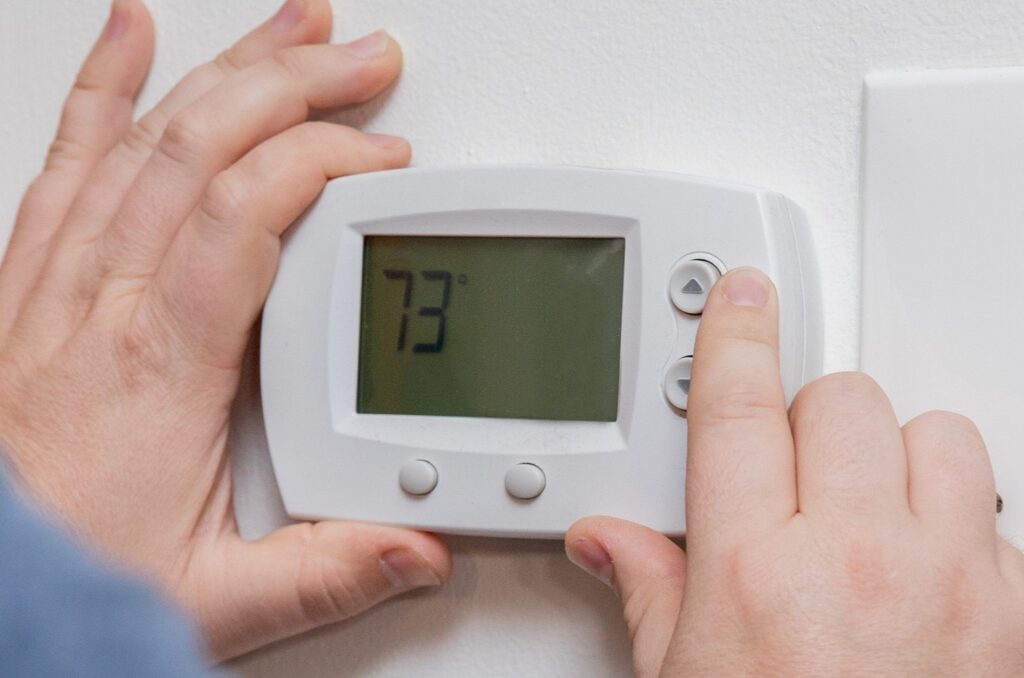
Thermostat Battery Replacement That Ends Surprise Shutdowns
Key Takeaways About Thermostat Battery Replacement
Thermostat battery replacement means swapping weak cells and confirming settings so your controller keeps power and stored programs. This guide is for homeowners and property managers who want to prevent surprise shutdowns during seasonal changes or after power interruptions.
- Identify dim displays erratic schedules and unexpected mode changes.
- Prevent lost programs by noting settings before replacing batteries.
- Avoid wiring confusion by photographing terminal labels and wire positions.
- Spot corrosion or warm batteries as signs of imminent failure.
- Reduce repeat dropouts by testing 24V supply and battery voltage.
- Plan professional inspection when settings vanish after fresh batteries.
Introduction
Thermostat battery replacement matters when a controller suddenly shuts down and the system stops responding. Weak batteries often cause erratic behavior like blank screens, incorrect schedules, and lost programming. Homeowners notice strange runtime patterns or heating and cooling that starts or stops at odd times. These control dropouts can make a comfortable home feel unpredictable and waste energy.
Beyond simple battery power, forgotten or misapplied settings can undo your programming after a power interruption. A thermostat may revert to factory defaults or switch modes without an obvious reason. That can leave a house too warm at night or too cool during the day for no clear cause. In places like Haslet, these issues can become a nuisance during seasonal transitions.
Some thermostats also use batteries to retain settings even when the HVAC system has low-voltage power. If those cells run weak, stored schedules and temperature offsets can disappear. Owners often see the clock reset or their preferred program lost after a short outage. In Southlake, TX properties with smart or programmable thermostats, that loss of control becomes noticeable fast.
Recognizing the signs of control dropout helps you act before comfort problems escalate. Symptoms include flickering displays, unexpected mode changes, or a thermostat that needs frequent resets. A professional can confirm whether batteries, wiring, or internal settings cause the problem. Early attention prevents repeated disruptions and keeps your system running as expected.
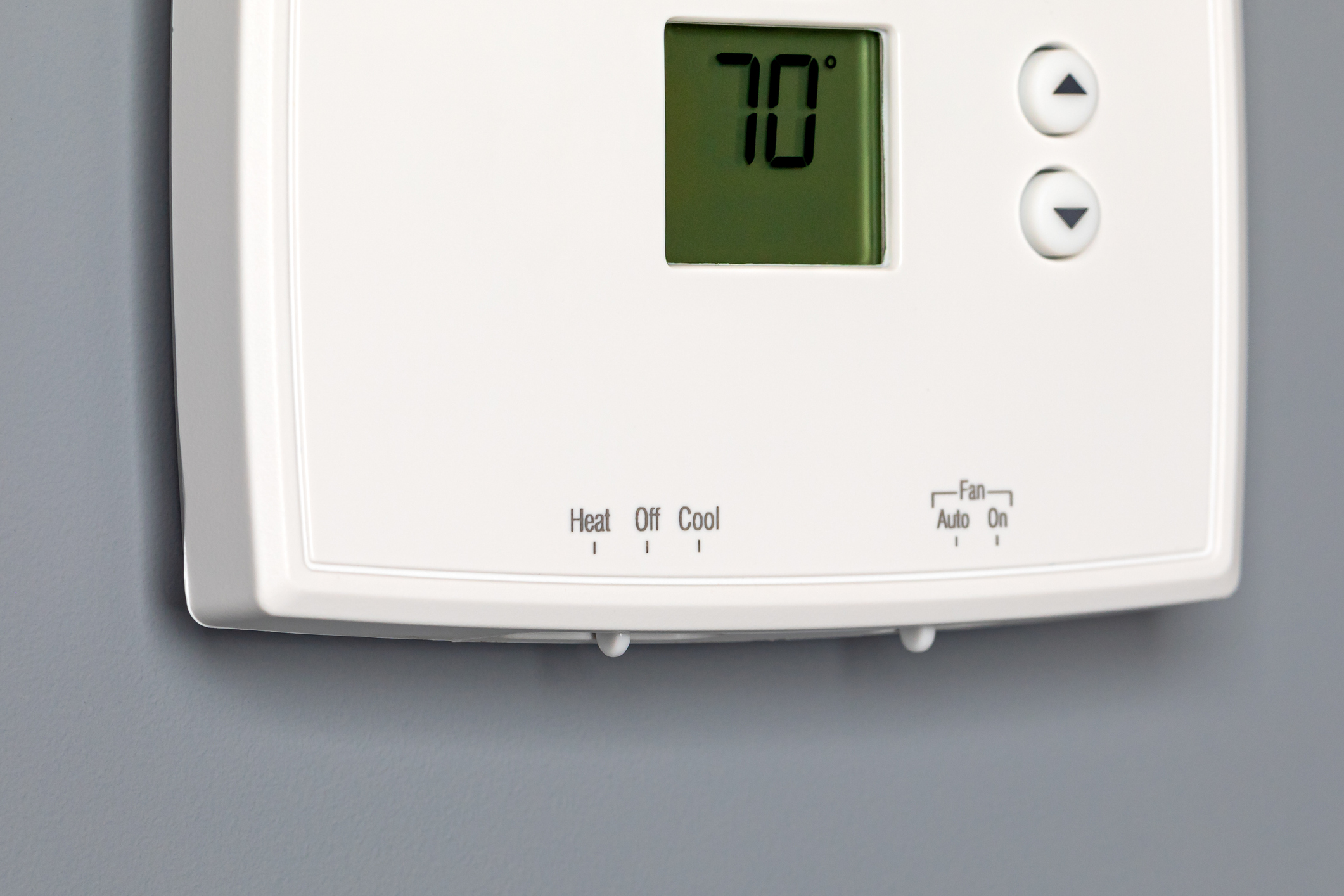
How Thermostat Battery Replacement Works And Why
Thermostat battery replacement means removing old cells and installing fresh ones so the thermostat keeps power and stored settings.
- Remove the thermostat cover carefully.
- Note the existing programming before disconnecting.
- Replace with the correct battery type.
- Reinstall the cover and restore power.
When batteries fail, a unit can lose its clock, schedule, and user settings within minutes of a power interruption. Homeowners often ask if a battery change will restore their schedule, and typically it will if the programming remains stored. A technician will first check the battery terminals for corrosion and correct polarity before testing voltage. They may also check the low-voltage wiring at the thermostat to confirm the system supplies consistent power.
After installing new batteries, the thermostat should regain its display and saved programs immediately if no internal reset occurred. For smart thermostats, reconnecting to Wi-Fi may be necessary to restore cloud-stored schedules and remote control. If the thermostat shows blank screens or erratic mode changes after fresh cells, a deeper diagnostic is needed. In Haslet properties, homeowners sometimes mistake wiring issues for battery failure when the unit still loses power.
A professional diagnosis includes observing symptoms, measuring battery voltage, and using a multimeter on the thermostat’s 24-volt control circuit. They will also inspect components like the user interface, internal backup capacitor, and the furnace or air handler transformer. If you want a step-by-step homeowner guide before a service visit, review the thermostat battery replacement guide for safe replacement tips. For Southlake, TX homes with smart thermostats, confirming program retention after a battery swap prevents surprise shutdowns during seasonal shifts.
Common Causes Of Unexpected Thermostat Shutdowns
Thermostat electronics can fail in ways that look like a dead battery but are not. A failing display driver or loose ribbon cable inside the thermostat can cause intermittent shutdowns. Homeowners may see the screen go blank when they press buttons, or the unit may power on only after being tapped. A professional inspects the case, checks wiring connections, and looks for obvious board damage or corrosion.
Low-voltage supply issues at the furnace or air handler can mimic battery problems and cause control dropouts. A weak or noisy 24-volt transformer, a tripped circuit breaker, or a loose wire at the control board will interrupt power. Technicians use a multimeter to measure transformer output and continuity on the R and C terminals to confirm steady voltage. If a home lacks a common wire, that absence can aggravate power cycling on smart thermostats and may require wiring changes, see the explanation about the common wire for guidance.
Thermostat firmware or software glitches sometimes produce unexpected resets or lost schedules after a short power interruption. Firmware corruption can occur after repeated brownouts or failed updates, leaving the unit unstable. A tech will check for available updates, perform a controlled reset, and observe whether settings persist during a simulated power loss. For properties in Haslet and Southlake, TX, this step helps separate a software fault from a persistent wiring or battery problem.
Environmental factors also contribute to shutdowns and false behavior in thermostats. Excess humidity, dust inside the enclosure, or exposure to direct sunlight can distort sensor readings and cause the controller to act erratically. A thorough inspection includes cleaning contacts, testing the temperature sensor, and recording any abnormal temperature or humidity readings. When simple fixes do not stop the dropouts, a technician documents test results and recommends next steps based on the recorded measurements.
Warning Signs Of Weak Thermostat Batteries At Home
Low battery symptoms often start subtle, such as a dim display that brightens when you press a button. You might notice the thermostat clock running slow or resetting after brief power interruptions. Another common cue is delayed response when changing temperature setpoints, where the system waits longer than usual to react. These signs point to weakening cells that can no longer hold steady voltage under load.
Frequent unexplained mode switches, heating to cooling or fan on without input, can indicate the backup battery is failing to maintain stored settings. Erratic schedule execution, like skipped program periods or wrong setpoints at certain times, also signals trouble. In some cases, the unit will show low-battery icons or warnings on the display before other failures occur. Observing these behaviors at predictable times helps narrow the problem to battery decline rather than random firmware glitches.
Physical clues include corrosion at the battery contacts or batteries that feel warm to the touch during operation, both signs of internal leakage or load stress. A professional would open the thermostat, inspect contact cleanliness, and measure cell voltage with a multimeter to confirm their state. They would also check the 24-volt R and C terminals for steady supply to rule out transformer or wiring problems. For homes where wiring looks suspect, a technician may recommend a wiring inspection like the one noted for Bedford to confirm connections.
For example, a homeowner sees the thermostat lose its clock after short outages and hears the furnace turn on at odd hours. A tech would record the displayed warnings, test battery voltage, and simulate a brief power loss to observe whether settings persist. That diagnostic sequence helps separate weak batteries from intermittent low-voltage supply or firmware faults. Homeowners in Haslet and Southlake, TX noticing these cues should consider battery replacement before complete control dropout occurs.
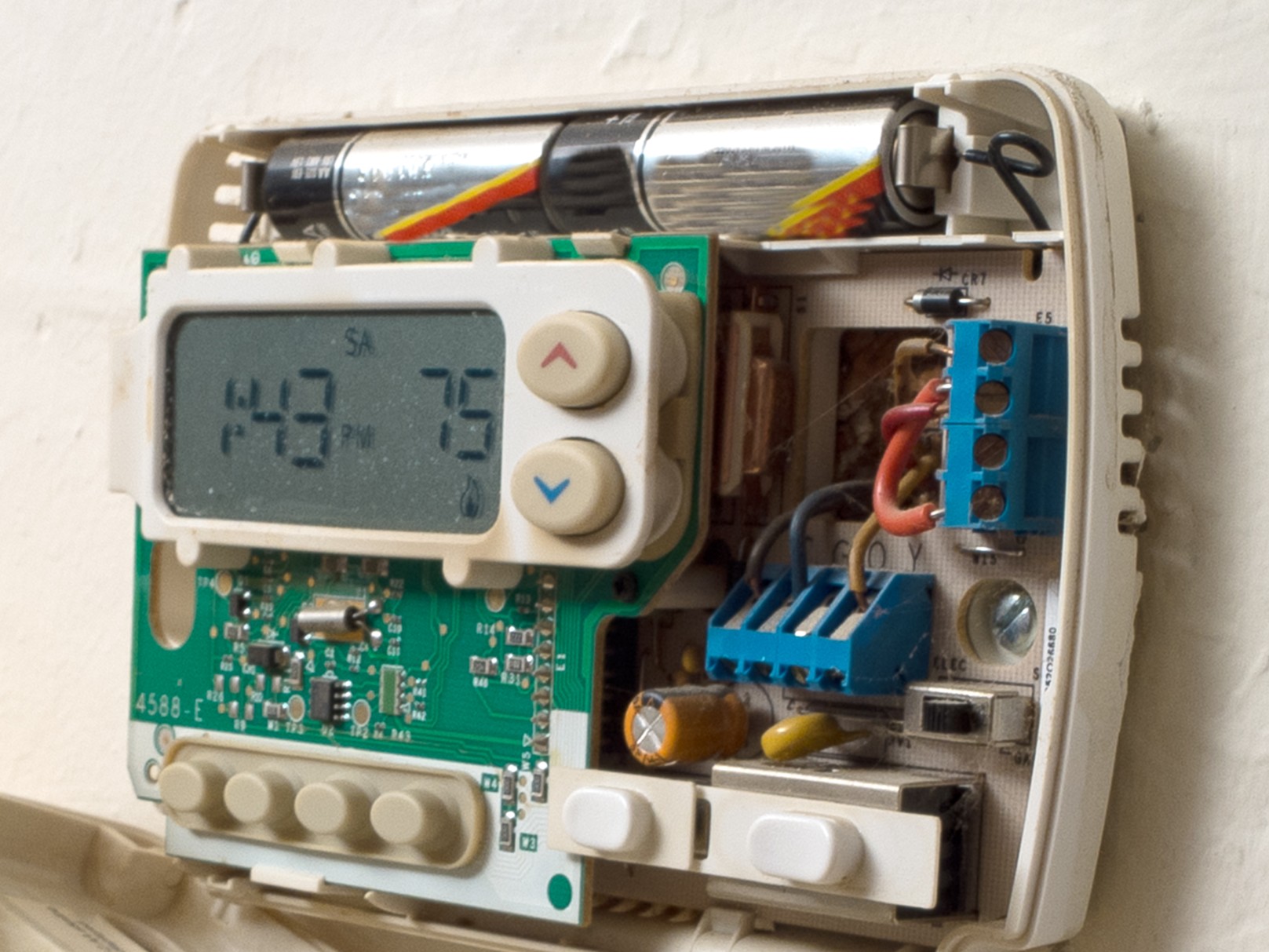
Step By Step Thermostat Battery Replacement Guide
Start by switching the thermostat to OFF and removing the faceplate carefully to expose the battery compartment and wiring. Take a clear photo of terminal labels and wire positions to preserve programming references and wiring order. Remove the old batteries and inspect the contacts for corrosion or debris, cleaning gently with a dry cloth if needed. Keep the thermostat away from drafts or direct sunlight while you work to avoid false sensor readings.
- Use the correct battery type listed on the thermostat.
- Note battery polarity before inserting new cells.
- Replace all cells at the same time for consistent voltage.
- Check that the battery compartment cover snaps back securely.
Install fresh batteries and observe the display for normal startup behavior and absence of error icons. If the unit remains blank, test the replaced cells with a separate battery tester or consult a multimeter reading for confirmation. Reattach the faceplate and restore any wall-mounted locking tabs, verifying the unit sits flush against the wall. If the thermostat has a recessed reset button, avoid pressing it unless you understand how it affects programming retention.
After power returns, confirm basic functions by changing the setpoint and calling for heat or cooling at the furnace or air handler. Check that the fan responds and that the R and W or Y terminals show expected continuity when the thermostat calls for operation. If schedules vanished, follow the menu prompts to re-enter programs or reconnect a smart thermostat to Wi-Fi as required. Homeowners in Haslet should note any immediate recurrence of dropouts and record display warnings for technician review.
If replacing batteries does not stop unexpected shutdowns, document the symptom timing and any recent changes before contacting a technician. A professional will inspect the control transformer and measure 24-volt supply at the furnace and thermostat to rule out low-voltage issues. They may also test temperature sensor accuracy and wiring continuity, as explained in the thermostat sensor problem spotting guide, during their diagnostic. For persistent faults in Southlake, TX homes, provide the technician with the photos and notes you took during this process to speed diagnosis.
How To Confirm Programming After Battery Change
After installing fresh cells, check that the thermostat still shows your schedule and time without manual re-entry. Use the menu to view active program names and saved setpoints, confirming each time block displays the expected temperature. If the clock resets or schedules are missing, consult the device’s restore options before performing a factory reset. For smart models, review connection status to the network to ensure cloud-stored schedules sync back correctly.
Next, run manual checks of heating and cooling calls to confirm outputs match programming and wiring. Change the setpoint above and below room temperature and watch the system respond at the furnace or air handler control board. A technician would measure voltage at R and C terminals and verify that W, Y, and G terminals close when the thermostat calls. If the thermostat blinks or shows error codes during this test, follow the guidance in the thermostat blinking resource for common indicator meanings.
Confirm mode and fan settings remain as you set them after a deliberate short power interruption. Flip the furnace breaker off for a minute, then restore power and check that the thermostat returns to the same mode and fan preference. If the unit loses settings, the backup retention may still be failing or the internal capacitor may not hold charge during outages. In that case, note the exact behavior and account for it when scheduling a professional inspection.
For smart thermostat models, inspect any automation and geofencing settings because these can override local schedules after reconnection. Revisit the mobile app to verify active scenes, temperature offsets, and away modes match on-device programming. A technician will also check firmware version and recommend reconnecting or updating according to the manufacturer’s instructions found in smart thermostat setup guides. Homeowners in Haslet and Southlake, TX should record observed discrepancies to share with the technician during a service visit.
When To Call A Professional For Thermostat Battery Replacement
Call a technician when new batteries and basic checks do not stop intermittent power loss or unexplained resets. A professional will inspect the thermostat board, check terminal continuity, and test the 24-volt transformer at the furnace or air handler. They will also examine the internal backup capacitor and any visible corrosion that could cause repeat failures during power interruptions. If the unit shows persistent error codes after a battery swap, schedule a service to avoid repeated dropouts.
If programming still disappears after a controlled power interruption, a technician will perform targeted diagnostics to isolate the cause. They measure voltage at R and C terminals while the thermostat powers up and during simulated loads to identify a weak or noisy supply. A tech may also open the thermostat and test the temperature sensor, ribbon cable connections, and contact closures on W, Y, and G circuits. These steps confirm whether the issue is batteries, wiring, or a failing control board.
Call for help when the thermostat display is physically damaged, buttons are unresponsive, or the case shows moisture ingress that risks shorts. A professional will document visible damage, test for continuity, and recommend repair or replacement based on measured readings. They can also verify and secure wall wiring to prevent loose connections that mimic battery problems. For homeowners in Haslet who notice moisture or physical damage, prompt inspection prevents further electrical faults.
Schedule a visit if you want programming preserved while technicians perform deeper electrical tests or wiring upgrades that affect controller power. A tech will back up or note schedules, test the hold and program behavior, and may reference the thermostat hold feature to maintain setpoints during service. For Southlake, TX properties with smart thermostats, professionals can also verify Wi-Fi reconnection and cloud-synced schedules after battery or wiring work completes. Request a technician when uncertainty about diagnostics or safety exists to ensure reliable long-term control.
Preventative Tips To Avoid Future Control Dropouts
Keep fresh batteries on hand and replace them on a schedule so you avoid surprise shutdowns during busy seasons. Regularly inspect the battery compartment for corrosion and clean contacts gently if you see buildup. Check the thermostat display and app notifications weekly to spot low-battery alerts before they cause control loss. Homeowners in Haslet benefit from a simple weekly glance to catch early warning signs.
- Use the battery type specified by the manufacturer.
- Replace all cells at once for consistent voltage.
- Keep spare batteries in a dry, cool location.
- Note the install date on the thermostat or in your phone.
Verify hold and schedule behavior after any power event so programming stays intact and prevents unexpected mode changes. Adjust deadband settings if your system cycles too frequently, consult the deadband guidance to set appropriate temperature gaps. Test manual calls for heat and cooling monthly to confirm terminal responses and visible relay actions at the air handler. For Southlake, TX properties with smart controls, check app automations after battery swaps to ensure cloud and device match.
Label thermostat wiring and photograph terminals before any work to speed professional diagnostics when problems recur. If you notice flickering displays or inconsistent setpoint adherence, contact a technician to measure 24-volt supply and inspect the control board. Keep a short log of dropouts with date, time, and circumstances so a tech can correlate symptoms with transformer or wiring tests. These steps reduce repeat visits and help preserve programming through routine maintenance.
What Technicians Check During A Service Visit
Technicians start by recording the homeowner’s recent symptom history and any photos taken before arrival to narrow diagnostic focus. They inspect the thermostat for corrosion, loose wires, and physical damage to the faceplate and terminals. A multimeter reading across R and C helps determine whether the 24-volt supply is steady while the thermostat is idle and under load. If the supply fluctuates, the tech documents voltage traces for later comparison at the furnace control board.
Next, the technician tests battery contacts and measures individual cell voltage to confirm whether replacement restored stable backup power. They also check the internal backup capacitor and look for signs of leakage or board damage that could cause loss of retained settings. For smart models, the tech verifies that the device reconnects to the network and that app-stored automations match local programming. This step often includes consulting setup steps from the manufacturer’s guidance and the smart thermostat setup resource for reconnection details.
Wiring continuity and terminal operation receive focused testing to ensure W, Y, G, and other control outputs close correctly during calls for heat, cooling, or fan. At the air handler or furnace, the technician measures transformer output and inspects the control board for loose connections and burnt terminals. They will also simulate a short power interruption to observe whether the thermostat retains time and schedule data with fresh batteries installed. If schedules vanish, the tech notes firmware version and recommends manufacturer steps before considering replacement.
Finally, the technician compiles a short report listing observed test results, recorded voltages, and recommended actions to prevent future dropouts in Haslet and Southlake, TX homes. The report may include photos of wiring and terminal labels to help homeowners follow any suggested changes. If wiring upgrades or component replacements are needed, the technician explains the diagnostic evidence supporting the recommendation. Homeowners receive clear next steps to preserve programming and avoid surprise shutdowns.
Frequently Asked Questions
How often should I perform thermostat battery replacement?
Replace thermostat batteries at least once a year to avoid unexpected control dropouts and maintain reliable scheduling. Check batteries when you change smoke alarm batteries or during seasonal HVAC tune-ups. If the display flickers, system won’t respond, or settings reset, replace batteries immediately and confirm programming. If you find corrosion, damaged terminals, or repeated failures, stop and call a professional to avoid electrical or control risks.
What signs mean batteries are causing control dropouts?
Look for the thermostat screen dimming, blanking out, or flashing error codes during normal use. You might notice the HVAC cycling oddly, missed schedules, or sudden shutdowns when settings should hold. Loose or corroded battery contacts and low voltage readings often point to the need for Thermostat battery replacement. If the thermostat still drops controls after fresh batteries, stop and call a professional because wiring or control board issues can present safety risks.
Will new batteries restore lost schedules and settings?
Sometimes new batteries restore lost schedules and settings if the thermostat uses non-volatile memory and only lost power temporarily. Many modern thermostats store programs internally, so replacing weak cells often brings settings back immediately. If the thermostat resets to factory defaults after battery replacement, reprogramming will be necessary and you may need to check wiring or backup battery modules. If you suspect intermittent power or internal fault, exercise caution and contact a professional to diagnose with voltage readings and configuration checks.
How do I safely change batteries without losing programming?
Before starting, note the current schedule and hold settings so you can re-enter them if programming resets during Thermostat battery replacement. Turn off the thermostat only if the manufacturer recommends it and follow any written backup steps in the user manual. Replace batteries quickly using fresh ones and check the display and time immediately to confirm the unit retained settings. If you see erratic behavior or programming loss, stop and contact a professional, since wiring or a failing control board may pose safety risks.
When should a technician test the 24V supply instead of swapping cells?
Technicians should test the 24V transformer when replacing batteries does not stop random control dropouts or the thermostat shows frequent low-voltage warnings. If the thermostat loses power despite fresh cells, a voltage check helps determine whether the issue is a failing transformer, loose wire, or blown fuse. Exercise caution around the HVAC control board and power terminals and recommend a professional if the homeowner is unsure or circuits must be opened. A trained technician will measure AC voltage, inspect the transformer and C-wire connection, and confirm whether Thermostat battery replacement alone will fix the problem.